


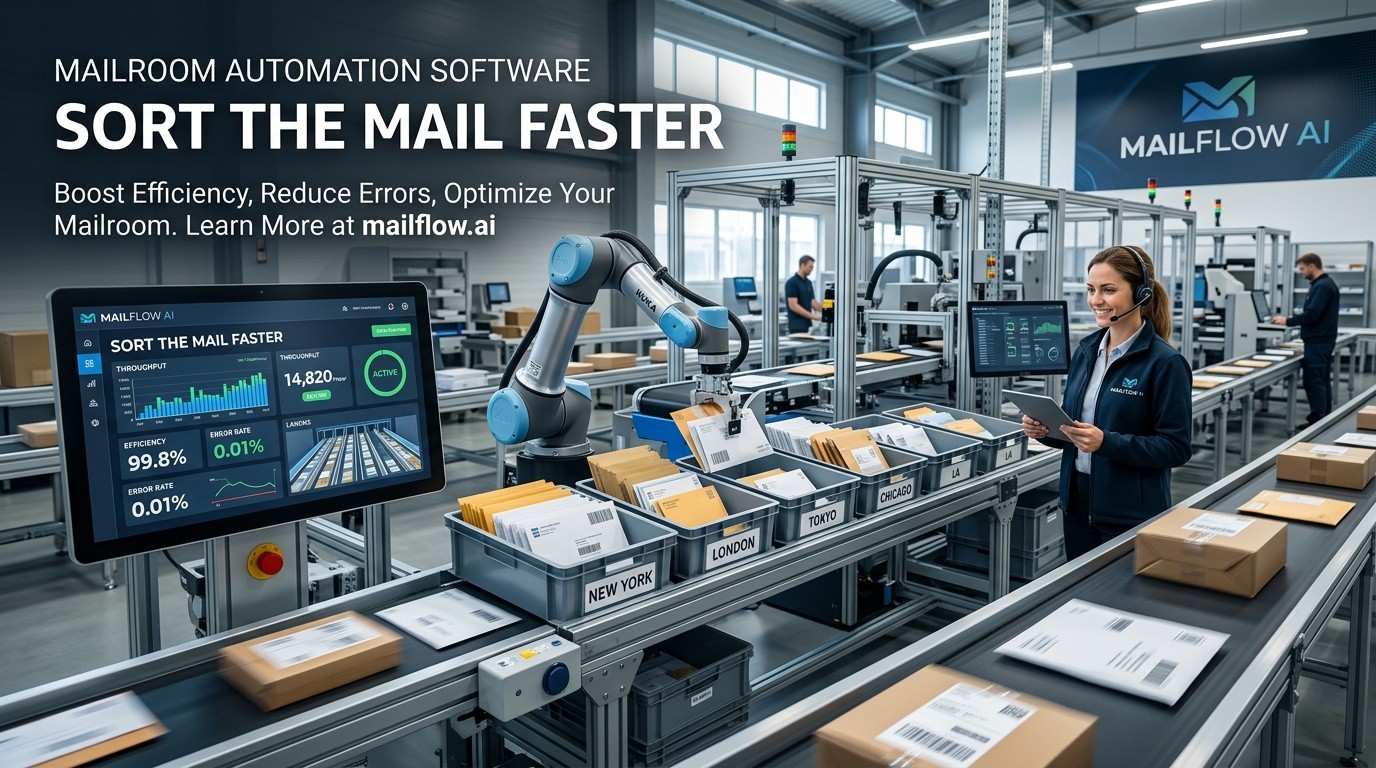
Mailroom Automation Software helps organizations digitize, sort, route, and track incoming mail faster, reducing delays, improving visibility, and making day-to-day operations easier to manage.
Mailroom Automation Software is becoming a practical answer to a very old workplace problem: too much paper, too many handoffs, and too little time. In a modern office, mail does not simply arrive and sit in a tray. It needs to be received, identified, routed, logged, and often stored or shared with the right person quickly. Digital mailroom guidance from Iron Mountain and DocuWare describes this shift clearly: physical mail is scanned, classified, routed, and made searchable so teams can work with it faster and more securely.
Mailroom Automation Software matters because the mailroom is no longer just a physical room. It is part of the information flow of the whole company, and modern mailroom management software is designed to track and distribute mail digitally instead of relying on paper logs and manual handoffs. Envoy’s mailroom management overview says the process centers on receiving, tracking, and distributing mail efficiently, while digital systems automate those workflows.
Mailroom Automation Software also fits the way people now expect work to happen. Staff want alerts instead of guesswork, searchable records instead of piles of paper, and faster routing instead of unclear ownership. That is why this topic sits at the intersection of productivity, visibility, and employee experience. It is not only a back-office upgrade; it is a better way to move information through the company. Mailroom Automation Software can support that shift because it turns a slow manual process into a repeatable workflow.
What It Actually Does
Mailroom Automation Software usually starts at the point of receipt. When a letter, package, or document arrives, the system helps identify who it belongs to, where it should go, and whether it needs to be scanned, stored, or forwarded. Iron Mountain describes a digital mailroom as a solution that processes physical and digital mail, converts paper into digital information, routes it to the intended recipient, and stores it in a secure repository. That basic sequence is the heart of the category.
Mailroom Automation Software is also built to reduce manual sorting. DocuWare’s digital mailroom guidance explains that incoming mail can be scanned, sorted, classified, and routed to the correct staff member, while originals may be securely stored or shredded based on company policy and regulations. That means the tool is not just a scanner with a nicer label; it is a workflow layer that helps mail become part of the business process immediately.
Mailroom Automation Software matters most when a company receives enough mail that manual handling becomes a bottleneck. A simple office can survive on informal routines for a while, but once mail volume grows, the cost of mistakes rises too. A document sent to the wrong team, a delayed invoice, or a missed legal notice can all create avoidable problems. When the mail process is automated, the organization gets a faster and more consistent handoff.
Mailroom Automation Software also changes how teams feel about incoming information. Instead of wondering whether something arrived or who owns it, people can rely on a logged process with better visibility. That confidence matters because mail is often tied to legal, financial, HR, or customer work, and the stakes are too high for guesswork. In practice, automation creates a calmer workflow and fewer interruptions.
Core Benefits for the Business
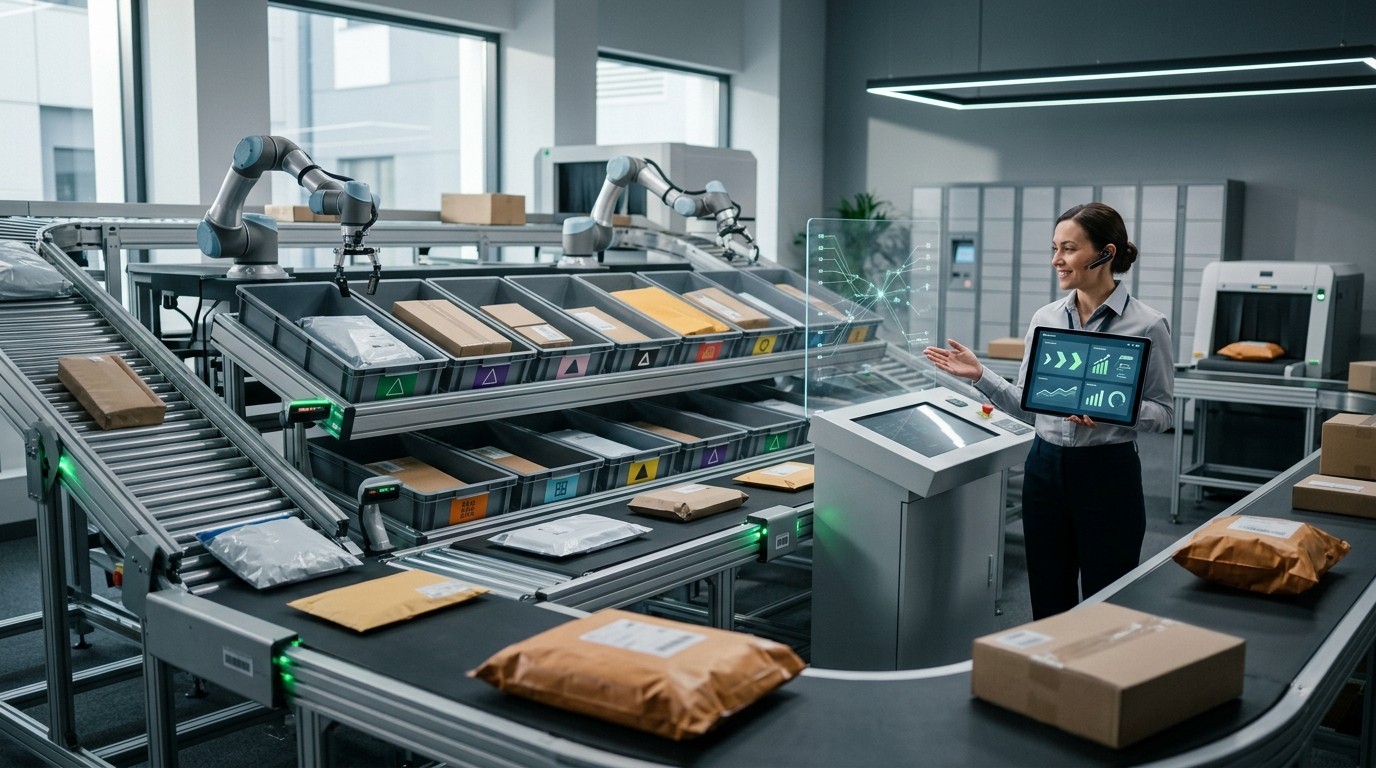
Mailroom Automation Software usually creates value in three ways at once: it saves time, improves accuracy, and makes information easier to find later. ProcessMaker’s office automation guide highlights the broader benefits of automation, including improved accuracy, reduced costs, reduced time and resources, and better data storage and management. Those same benefits apply directly to the mailroom because the mailroom is fundamentally a data-handling environment.
Mailroom Automation Software also helps teams avoid delays that come from physical handling. DocuFree’s digital mailroom overview says digital mailrooms scan physical mail into searchable digital formats and use intelligent routing to speed up business applications while reducing human handling and errors. That is a major improvement when documents need to move quickly to accounting, legal, HR, or operations.
Mailroom Automation Software gives leaders a better sense of where bottlenecks appear. Instead of guessing whether mail is sitting in a tray, waiting in a hallway, or buried in a desk stack, managers can use tracked workflows to see what happened and when. That visibility makes it easier to improve service levels and hold teams accountable without adding more manual oversight.
Mailroom Automation Software is also valuable for hybrid and distributed work. When employees are not all in one location, a physical mailroom can become a weak point unless it is connected to digital distribution. A scanned, routed, and searchable mail process lets remote staff receive what they need without waiting for someone to forward a paper copy. That is one reason automation has become part of broader workplace efficiency planning.
Features That Matter Most
Mailroom Automation Software should be judged by the workflow it supports, not by how many buttons it shows. The most important feature is capture, because the system needs to turn incoming mail into something the organization can actually work with. That means scanning, indexing, or recording the item so the next step can happen without ambiguity.
Mailroom Automation Software should also support routing. Once an item is captured, it needs to reach the right person or department quickly. Iron Mountain and DocuWare both describe routing as a core part of the digital mailroom process, and that routing is what turns incoming mail from a manual task into a managed workflow.
Mailroom Automation Software becomes more useful when it includes storage and retrieval. If a business can search for a mail record later, it can answer questions faster and reduce the time spent hunting through physical files. This is especially important when mail is tied to approval chains, audit requests, or customer disputes. A searchable repository creates more than convenience; it creates traceability.
Mailroom Automation Software should also support notifications and exception handling. A good system does not just move items along; it makes sure people know when something has arrived or when something unusual needs attention. That matters because the mailroom often supports deadlines. A missed notice is not a small problem if it affects finance, legal, or HR.
Sorting and Routing Workflow
Mailroom Automation Software works best when the sorting logic is simple and predictable. The first step is intake, where mail is received and identified. The second step is classification, where the item is grouped by type, urgency, or destination. The third step is routing, where the system sends the item to the correct recipient or workflow. That sequence is consistent with the way digital mailroom vendors describe the process.
Mailroom Automation Software can also reduce the chance of manual misrouting. In a paper-heavy environment, a simple mistake can send one envelope to the wrong desk and delay everything behind it. Automation lowers that risk by relying on a defined process instead of someone’s memory or handwriting. That matters when the office is busy and the mail volume is unpredictable.
Mailroom Automation Software is especially helpful when the incoming flow includes both envelopes and digital attachments. Modern digital mailroom descriptions emphasize that the entry point can include email, scanned documents, digital files, and physical envelopes, all of which can be handled in the same system. That unified flow is one of the category’s strongest advantages.
Mailroom Automation Software should not be imagined as a single action; it is a chain of small decisions. Capture, classify, route, notify, store, and archive all work together. When the chain is smooth, employees spend less time chasing paper and more time acting on the information inside it. That is where the real efficiency gain appears.
Security, Control, and Compliance
Mailroom Automation Software is not only about speed. It also helps protect information. A digital mailroom can store originals securely, control who sees what, and create a clearer record of how documents move through the company. That matters when mail contains personal, financial, or legal information that should not be handled casually.
Mailroom Automation Software also supports policy-based handling. DocuWare notes that originals can be stored securely or shredded depending on company policy and regulations. That kind of control is important because organizations often need different treatment for different mail types. Some mail should be preserved, some digitized, and some disposed of under specific rules.
Mailroom Automation Software can strengthen accountability by making the workflow traceable. If a document disappears in a manual process, it can be hard to know where it went. In a tracked system, the organization has a better record of receipt, routing, and processing. That lowers uncertainty and supports better internal governance.
Mailroom Automation Software also fits better with modern document management expectations. ProcessMaker’s office automation guide highlights access control, reporting, and integration as important office automation features. Those same ideas matter in a mail workflow because the mailroom is part of the organization’s broader information system, not a separate island.
Department Use Cases
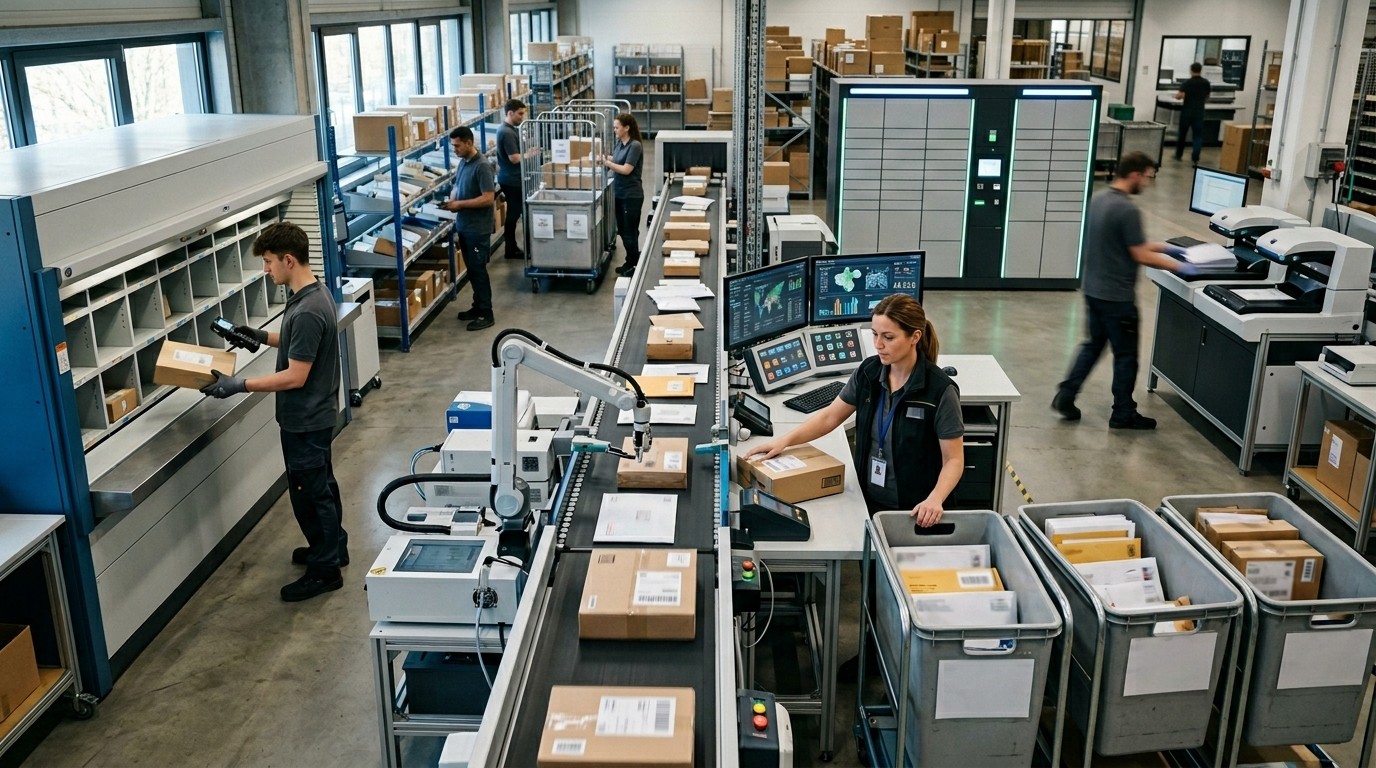
Mailroom Automation Software is useful across departments because incoming mail rarely belongs to one team only. Finance may receive invoices, HR may receive employee documents, operations may receive vendor notices, and leadership may receive legal or strategic correspondence. The software helps each group get the right item faster and with less noise.
Mailroom Automation Software is especially relevant for teams that already rely on structured workflows. HR Automation Software, for example, often manages onboarding forms, policy acknowledgments, and employee records, and a digital mailroom can feed those documents into the right workflow faster than a manual desk handoff. That makes the mail process feel like part of the HR system instead of an unrelated physical task.
Mailroom Automation Software can also help operations teams because operations usually care about speed, completeness, and visibility. A routed mail process reduces the chance that a package, form, or notice sits unnoticed in the wrong place. That is important in offices where process delays can cascade into later work.
Mailroom Automation Software is often even more useful when the office already uses Office Automation Software for document tasks, approvals, and internal requests. In that environment, the mailroom does not behave like an isolated function; it becomes one more input stream into the company’s broader automation stack. That is where efficiency compounds across departments.
Integration With Other Systems
Mailroom Automation Software becomes much more powerful when it connects to the systems teams already use. ProcessMaker and Workato both describe office automation as software and platforms that integrate tasks, data, and workflows across applications. That integration concept is important because a mailroom only creates lasting value when the scanned item can move into the next business step smoothly.
Mailroom Automation Software should not stop at scanning. It should support downstream routing into document management systems, case management tools, or approval flows. That is the difference between “we digitized the envelope” and “we improved the business process.” A good system makes the second outcome possible.
Mailroom Automation Software also fits into broader operational visibility. If a business already tracks tasks, tickets, or requests, the mailroom can become another visible queue rather than a hidden back-office step. That allows managers to see where time is being lost and where automation can remove friction.
Mailroom Automation Software can even support cross-functional workflows that already use approvals or CRM-linked processes. The key is to connect the mail intake point to whatever system actually owns the work after intake. Without that link, the mailroom becomes digital but not operationally useful. With it, the workflow becomes measurable and repeatable.
Marketing, Sales, and Inbound Flow
Mailroom Automation Software may sound like a back-office tool, but it can also support revenue teams when paper or scanned materials feed customer, partner, or lead workflows. A mailed inquiry, a printed registration form, or a signed response can become part of the digital funnel if the intake process is automated properly. That makes the mailroom part of the customer journey.
Mailroom Automation Software can help teams that think in terms of Essential Inbound Marketing Tools because inbound work often depends on speed and follow-up. If a paper form or physical response arrives and sits in a tray, the lead cools off. If it is scanned and routed quickly, the team can respond while interest is still high.
Mailroom Automation Software also supports Hubspot Sales Marketing Alignment Tools in a practical way: it gives marketing and sales a cleaner handoff when the first signal arrives offline instead of online. That can help teams track campaign responses, trade-show paperwork, and other offline touchpoints without losing the thread between departments.
Mailroom Automation Software therefore touches revenue more often than people expect. The mailroom may not close deals, but it can keep inbound information moving, and that movement is what lets sales and marketing act faster. Faster routing, better visibility, and cleaner handoffs all support stronger follow-up.
Choosing the Right System
Mailroom Automation Software should be chosen based on volume, complexity, and integration needs. A small office with light mail may only need basic routing and tracking, while a large organization may need scan workflows, approvals, storage rules, and reporting. The right solution should fit the real work, not a hypothetical one.
Mailroom Automation Software should also be judged by how easy it is for staff to use. If the process is too complicated, employees will create workarounds, and the automation benefit will shrink. Simplicity matters because mail workflows are often touched by multiple people, not just one specialist. The better the handoff design, the more consistent the system becomes.
Mailroom Automation Software should support secure handling, searchable storage, and route flexibility. Those are not “nice to have” features; they are the foundation of a process that can actually replace manual sorting. If a platform cannot show who got what, when they got it, and what happened next, the business may still be stuck with guesswork.
Mailroom Automation Software should also fit the company’s future, not just its current size. If the organization expects more mail, more locations, or more remote workers, the system should grow with those changes. Office automation guidance consistently points to scalability, integration, and reduced manual effort as signs of a strong automation choice.
Implementation That Actually Works
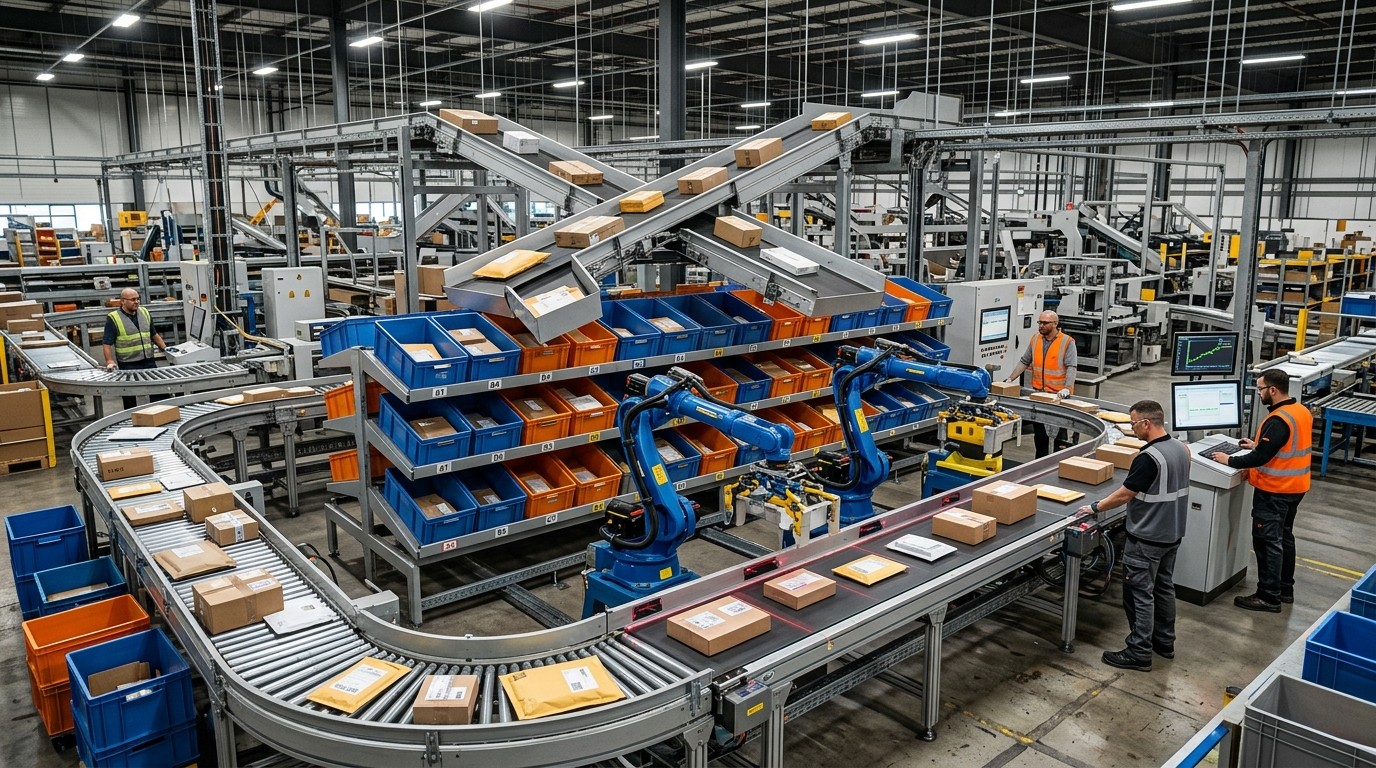
Mailroom Automation Software usually succeeds when implementation starts small and clear. First, map the current mail flow. Then identify the most common document types. After that, define who should receive each type and what needs to happen when it arrives. That kind of workflow-first planning aligns with office automation best practices.
Mailroom Automation Software should then be tested on a small group before it is rolled out more widely. A phased approach helps teams catch routing mistakes, process gaps, and user confusion before they affect the whole office. That is especially important when mail includes sensitive or time-bound documents.
Mailroom Automation Software also needs ownership. Someone has to maintain the rules, review exceptions, and decide how updates are handled. Without ownership, even good automation can drift. Good implementation is therefore not only technical; it is managerial and procedural too.
Mailroom Automation Software is most successful when the business treats it as a process upgrade rather than a software install. The software matters, but the workflow design matters just as much. Once both are aligned, the mailroom stops being a source of delay and becomes a reliable intake engine for the office.
ROI and Long-Term Value
Mailroom Automation Software tends to pay off in a few different ways. It reduces manual handling, cuts down on errors, improves speed, and makes records easier to retrieve. Those benefits are not only theoretical; they are the same kinds of improvements that office automation guides highlight across administrative work.
Mailroom Automation Software can also lower hidden costs. Staff do not spend as much time sorting paper, searching for documents, or asking whether something has arrived. That reclaimed time can be moved into work that creates value instead of work that only moves paper around. The value is often strongest when the office is busy and interruptions are frequent.
Mailroom Automation Software creates long-term value through consistency. When the mail process is repeatable, the organization is less exposed to turnover, schedule changes, or manual mistakes. That consistency is especially important in workplaces where incoming documents affect compliance, finance, or customer support.
Mailroom Automation Software also supports better decision-making because the workflow becomes visible. Once a business can see volume, delays, and routing patterns, it can improve staffing and process design more intelligently. In that sense, the software does not just sort mail faster; it helps the company learn how mail moves at all.
Conclusion
Mailroom Automation Software is valuable because it turns a slow, manual intake process into a faster and more reliable workflow. It helps organizations scan, sort, route, store, and track mail with less effort and fewer mistakes, which is exactly why digital mailroom solutions have become such a strong fit for modern offices. When it is connected properly to document systems, HR processes, office tools, and inbound workflows, it becomes more than a mailroom upgrade; it becomes a business efficiency layer. The best results come from clear process design, secure handling, and simple ownership. In a workplace that depends on speed and visibility, Mailroom Automation Software can remove a surprising amount of friction.
Frequently asked Questions (FAQ)
1. What is Mailroom Automation Software?
Mailroom Automation Software is a system that helps organizations scan, sort, route, track, and store incoming mail more efficiently than a manual mailroom process.
2. How does Mailroom Automation Software improve speed?
It reduces manual sorting and handoffs, which lets documents move faster to the right person or department. Digital mailroom guidance describes this as scanning, classifying, routing, and storing mail in one workflow.
3. Is Mailroom Automation Software only for large companies?
No. Smaller offices can use it too if they want better tracking, cleaner routing, or easier document retrieval. The best fit depends on mail volume and workflow complexity.
4. Does Mailroom Automation Software help with security?
Yes. Digital mailroom systems can store originals securely, support access control, and create better traceability for sensitive documents.
5. Can Mailroom Automation Software work with HR processes?
Yes. It can feed scanned employee documents and forms into HR workflows faster, which is why it often pairs well with HR Automation Software.
6. How does Mailroom Automation Software fit into office operations?
It works as part of the broader Office Automation Software stack by moving mail into document, approval, or task workflows instead of leaving it trapped in a physical inbox.
7. Can it support marketing and sales teams?
Yes. When physical responses or forms are scanned quickly, they can support follow-up processes tied to Essential Inbound Marketing Tools and Hubspot Sales Marketing Alignment Tools.
8. What features matter most in Mailroom Automation Software?
Capture, routing, searchability, notifications, storage, and exception handling are the most important features because they turn mail into a manageable workflow.
9. What should I check before choosing a system?
Check volume, routing logic, security, integration options, and how easy the system is for staff to use. A good automation platform should fit your actual workflow.
10. Why does Mailroom Automation Software matter long term?
Because it lowers errors, saves time, improves visibility, and creates a more consistent process that can scale as the business grows.



Leave a Reply