


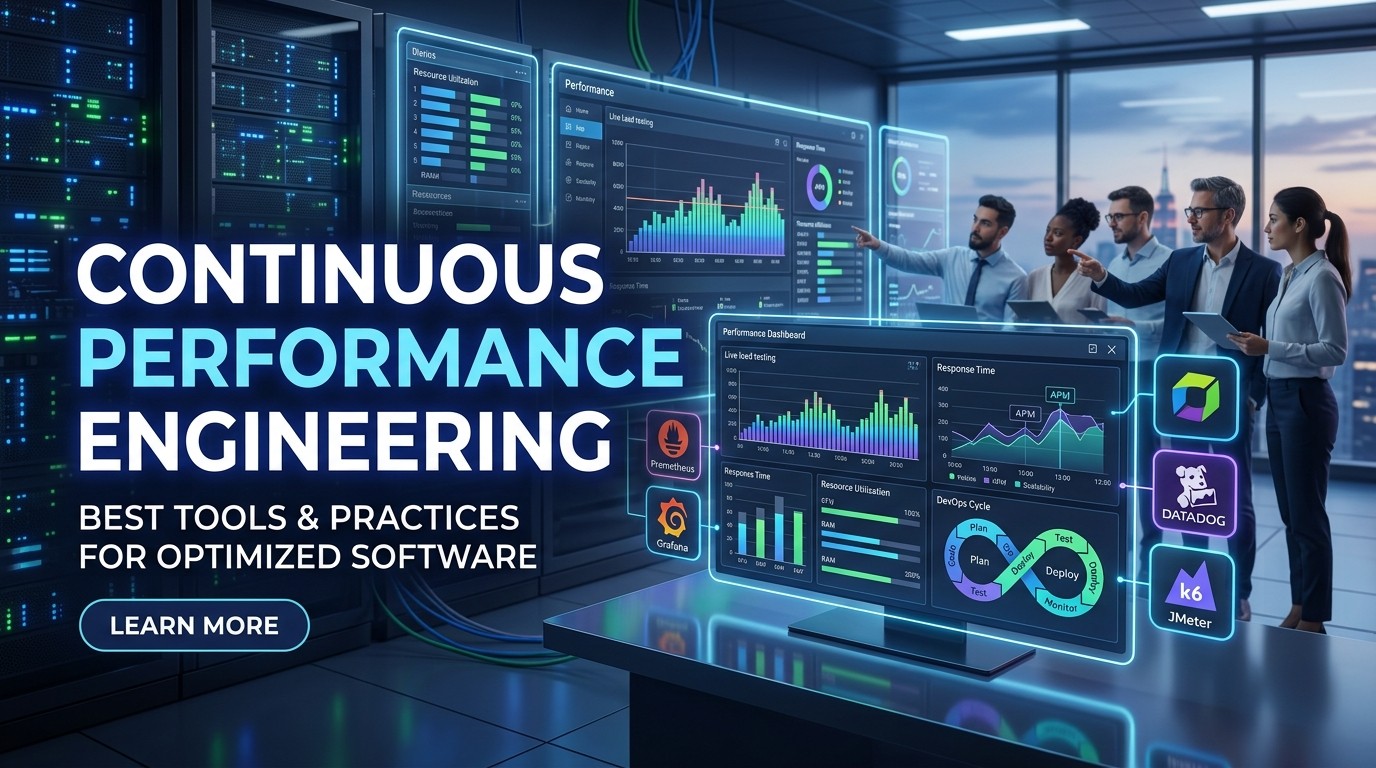
Continuous Performance Engineering is becoming a cornerstone in today’s fast-paced software industry, where user expectations for speed and reliability are higher than ever. In today’s digital landscape, teams face relentless pressure to deliver applications that not only function correctly but also scale seamlessly under heavy load. This year (2026), enterprises must weave performance validation into every phase of development to avoid costly bottlenecks and unpredictable downtime.
By embracing continuous performance engineering practices, organizations shift performance assessments left—integrating automated load tests, real-time monitoring, and infrastructure checks from the earliest builds. This proactive methodology uncovers regressions before they propagate through staging and production environments, ensuring reliability at scale and safeguarding service-level objectives (SLOs).
In this article, we explore the essential principles, toolchains, and frameworks that underpin a successful continuous performance engineering strategy. We highlight automation best practices, observability techniques, infrastructure as code patterns, and cultural shifts needed to build robust, high-speed applications. Whether you manage a small startup or oversee enterprise-grade systems, the insights shared here will empower your team to deliver resilient software that grows with demand.
The Foundation of Continuous Performance Engineering
At its core, continuous performance engineering represents a holistic approach that extends beyond traditional load testing at the end of a development cycle. Today, engineers integrate performance checks into continuous integration (CI) pipelines so every code change undergoes validation against defined thresholds for latency, throughput, and resource usage. This early detection model minimizes “surprise” regressions and accelerates feedback loops.
A key tenet involves establishing clear performance standards and service-level indicators (SLIs). Teams should define acceptable ranges for metrics such as 95th percentile response time, error rates, CPU load, and memory consumption. These SLIs become gates within CI workflows: builds that exceed thresholds fail fast, notifying developers immediately via alerts in Slack or Microsoft Teams and triggering remediation before code merges.
Successful adoption hinges on cross-functional collaboration. Developers, QA specialists, DevOps, and system architects must converge around shared objectives. Identifying performance champions within each team fosters accountability and promotes knowledge sharing. Documenting test plans, environment configurations, and escalation paths ensures uniform practices and reduces silos.
Another foundational component involves version-controlled infrastructure definitions, often managed by Infrastructure as Code (IaC) tools like Terraform or AWS CloudFormation. By codifying environment configurations, teams eliminate drift between development, staging, and production systems. Consistent environments enhance test fidelity and build confidence in performance results.
Continuous performance engineering also leverages established research and standards. Organizations can refer to guidance from the National Institute of Standards and Technology (NIST) at https://www.nist.gov for best practices on system benchmarking and measurement methodologies. Aligning with authoritative frameworks helps teams adopt proven techniques and avoid reinventing the wheel.
Implementing Automation for Scalable Testing

Automation lies at the heart of a robust continuous performance engineering approach. By scripting load scenarios and embedding them into CI pipelines, teams reduce manual overhead and guarantee consistency across test runs. Popular open-source tools such as Apache JMeter, Gatling, and k6 enable engineers to define complex user journeys, simulate concurrent traffic, and capture detailed performance metrics.
In practice, teams configure these scripts to execute automatically on every code merge or nightly build. CI services like Jenkins, GitLab CI, GitHub Actions, and CircleCI orchestrate test environments: provisioning infrastructure through IaC, initiating load tests, and tearing down resources upon completion. This end-to-end automation framework closes the loop between code changes and performance validation.
Automated alerts play a critical role. When tests detect threshold breaches—such as elevated error rates or CPU saturation—notification systems immediately inform stakeholders. Integrations with PagerDuty or Opsgenie ensure on-call engineers receive critical alarms, enabling rapid investigations to prevent regressions from seeping into production.
To streamline test maintenance, adopt modular scripting practices. Break scenarios into reusable components—authentication flows, data setup, and teardown steps—and parameterize input variables. This approach accelerates scenario updates, supports multiple environment targets, and scales alongside evolving application functionalities.
For organizations seeking proven methodologies, the Association for Computing Machinery’s library at https://dl.acm.org offers research papers on load testing frameworks and automation strategies. Consulting these resources can guide teams toward mature solutions tailored to specific technology stacks and performance goals.
Ensuring Observability and Infrastructure Consistency
Continuous performance engineering demands robust observability across all layers of the technology stack. Real-time monitoring tools—Datadog, New Relic, Prometheus, and Grafana—provide the visibility needed to spot anomalies before they impact users. Teams track key performance indicators, such as latency percentiles, throughput, garbage collection pauses, database query times, and network I/O.
Monitoring alone is not enough; setting actionable alerts and crafting meaningful dashboards is essential. Alerts should be tuned to minimize noise while capturing genuine deviations from baselines. For instance, configuring alerts on a sustained 50% increase in 95th percentile latency over a 10-minute window helps identify emerging issues without triggering false positives.
Maintaining environment parity is equally important. Infrastructure as Code ensures that test and production environments share identical configurations. Containerization solutions like Docker, along with orchestration platforms such as Kubernetes, deliver immutable environments that replicate production conditions. Teams define resource quotas, network policies, and secrets management uniformly across stages.
Implementing blue-green or canary deployment strategies further enhances reliability. By directing a small percentage of traffic to new releases, engineers gather performance data under real user load. If anomalies arise, automated rollbacks restore the previous version, safeguarding service-level objectives and user experience.
In today’s dynamic infrastructure landscape, adhering to standardized metrics frameworks—such as the OpenTelemetry specification—ensures interoperability across tools and services. Standardized instrumentation simplifies data collection and accelerates cross-team collaboration when diagnosing performance issues.
Advanced Strategies for Dynamic Scaling
Static provisioning often leads to inefficient resource utilization or unexpected outages during traffic surges. Today, successful continuous performance engineering incorporates dynamic scaling strategies to match capacity with demand in real time. Cloud-native environments offer auto-scaling groups, Kubernetes horizontal pod autoscalers, and serverless architectures that adapt to workload fluctuations automatically.
Teams define scaling policies based on performance events. For example, setting a threshold of 70% CPU utilization triggers pod scaling, while sustained increases in request latency prompt additional instances. Predictive scaling—leveraging machine learning forecasts—can pre-warm infrastructure ahead of anticipated spikes, such as promotional campaigns or scheduled product launches.
Edge-based optimizations also contribute to global performance consistency. Content delivery networks (CDNs) cache static assets at edge locations worldwide, minimizing latency for end users. Managed services like AWS CloudFront or Azure CDN handle cache invalidation and distribution automatically, allowing teams to focus on core application logic.
In microservices or serverless environments, adopting patterns like bulkheads, circuit breakers, and retry logic prevents cascading failures. Isolating service boundaries and applying concurrency controls ensures that overload in one component does not degrade overall system stability during peak demand.
Capacity planning remains a vital component of continuous performance engineering. By analyzing historical usage trends and correlating them with business events, teams adjust resource baselines and cost forecasts. Tools such as AWS Cost Explorer or Google Cloud’s Billing Reports provide insights into spending patterns, enabling cost-effective scaling decisions.
Cultivating a Performance-Driven Culture
While tools and automation form the backbone of continuous performance engineering, fostering a performance-first mindset across teams is equally crucial. Leaders must champion performance objectives and integrate them into sprint planning, retrospectives, and stakeholder reviews. Establishing shared performance SLAs aligns technical work with business goals, driving collective ownership.
Cross-training sessions help bridge skill gaps. Developers learn to create and interpret load tests, while operations teams gain visibility into code-level bottlenecks. Regular workshops on profiling techniques—using profilers like YourKit or VisualVM—and database tuning sessions promote continuous learning and skill development.
Performance reviews should be part of every release cadence. By scheduling dedicated sessions to analyze dashboard trends, error budgets, and remediation actions, teams maintain focus on long-term stability. Publishing quarterly performance reports that highlight improvements in response times or reductions in incident frequencies demonstrates ROI to executive stakeholders.
Rewarding performance achievements—such as significant latency improvements or cost savings from optimized resource usage—reinforces positive behaviors. Recognition programs and hackathon-style events centered on performance challenges can spark innovation and strengthen team morale.
Finally, documenting lessons learned and updating performance playbooks ensures that best practices evolve alongside the application. Centralized wikis or knowledge bases capture troubleshooting guides, configuration standards, and escalation procedures, serving as a single source of truth for future initiatives.


Conclusion
Continuous performance engineering is no longer a luxury—it’s a strategic imperative for organizations striving to deliver scalable, reliable software in today’s competitive marketplace. By embedding performance checks into every stage of development, leveraging automation for load testing, and maintaining observability across environments, teams can detect and resolve issues early, reduce downtime, and optimize costs.
Infrastructure as Code, dynamic scaling strategies, and edge-based optimizations ensure systems remain resilient under fluctuating demand. Equally important is cultivating a culture where performance is everyone’s responsibility, backed by shared SLAs, cross-functional training, and continuous improvement cycles.
Frequently Asked Questions (FAQ)
What is Performance Engineering Software?
It is a toolset that helps test, monitor, and optimize application performance across development and production environments.
Why is Performance Engineering Software important?
It ensures apps run fast, stable, and scalable under real-world user load conditions.
How does Performance Engineering Software work?
It simulates traffic, monitors system metrics, and detects performance bottlenecks in real time.
Is it used in DevOps pipelines?
Yes, it integrates with CI/CD pipelines to test performance continuously during development.
Can it prevent system failures?
Yes, it detects performance issues early before they impact production systems.
What metrics does it track?
It tracks response time, CPU usage, memory usage, throughput, and error rates.
Does it support cloud environments?
Yes, most modern tools are designed for cloud-native and hybrid infrastructures.
Is AI used in Performance Engineering Software?
Yes, many tools use AI to predict issues and optimize system performance.
Who uses Performance Engineering Software?
Developers, DevOps engineers, QA teams, and system architects use it.
Does it help reduce costs?
Yes, it optimizes resources and prevents expensive downtime or over-provisioning.



Leave a Reply